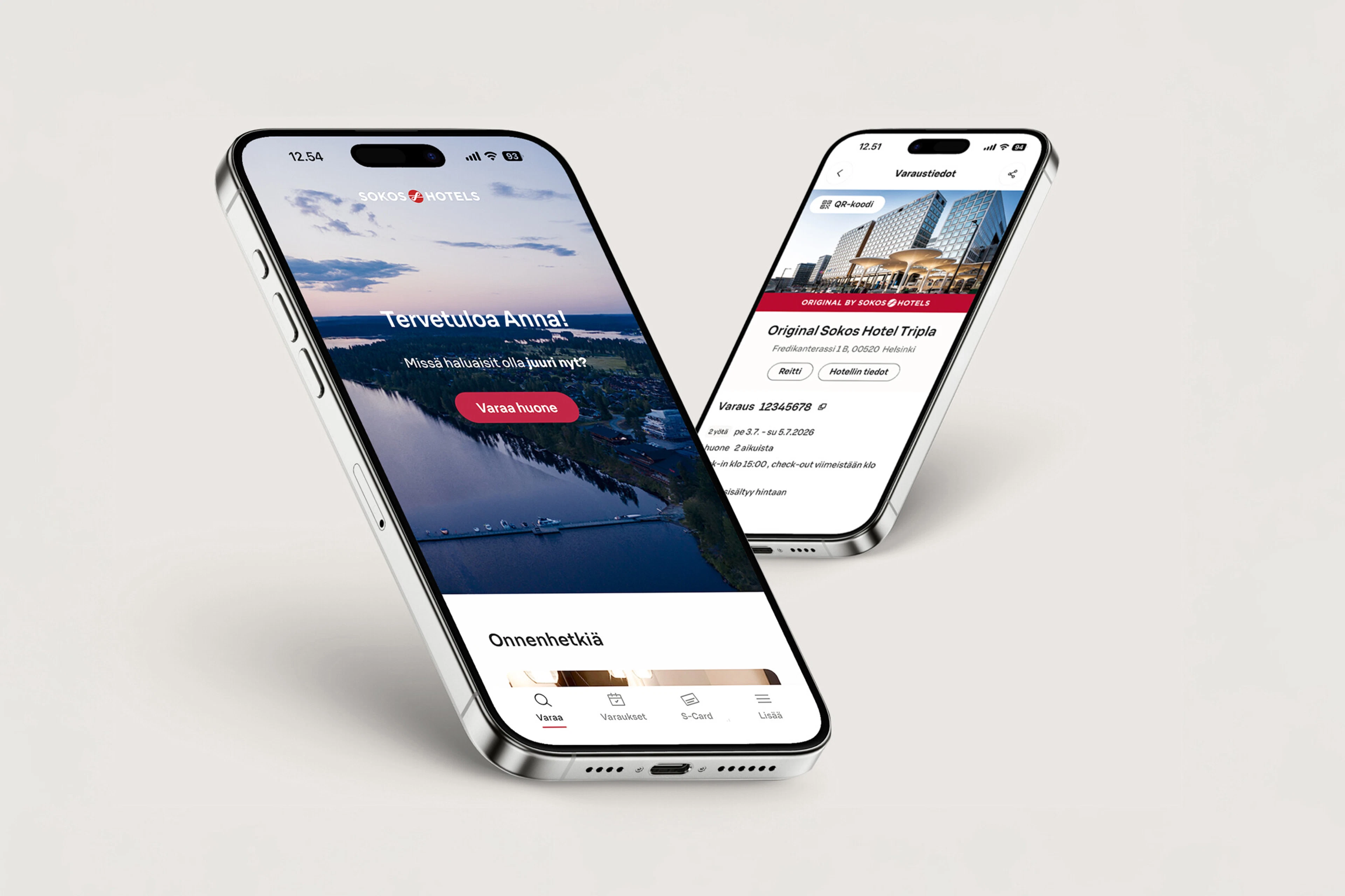
Use the new S-Card QR code!
Convenient way to use S-Card in restaurants is the QR code in the Sokos Hotels app! You can enjoy cardless S-Card transactions in restaurants when visiting our restaurants with table service.
You can pay with S-Card benefits or accumulate purchases using the QR code found in the Sokos Hotels app when visiting our restaurants with table service.
How do I use the S-Card QR code?
When paying the bill, tell the restaurant staff that you want to use the S-Card QR code.
1. Open the Sokos Hotels app and go to the S-Card tab.
2. Open the QR code from the S-Card image.
3. Show the QR code to the restaurant staff, who will scan the QR code with the payment terminal.
4. Choose whether you want to accumulate the purchase on your S-Card, pay with meal benefits or S points.
Please note that this functionality is only available in restaurants with table service. Your physical S‑Card is still needed in ABC restaurants and at checkout counters, so please do not cut it. The QR code is also not available in the restaurants of Original Sokos Hotel Viru.